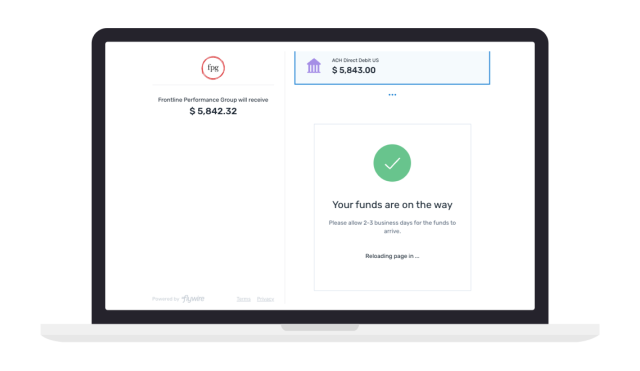
How to make your payment
STEP 1
Get started
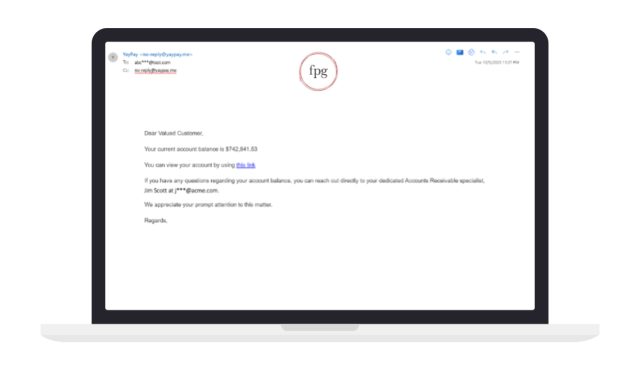
Receive your email from YayPay with your unique link and security verification code to access your payment portal.
STEP 2
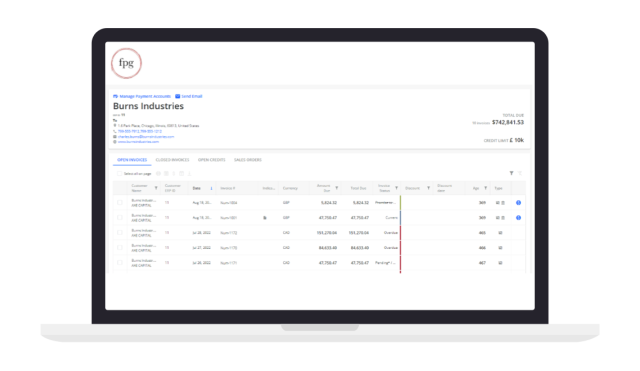
Select invoice
Access your payment portal and select the invoice you’d like to make a payment.
STEP 3
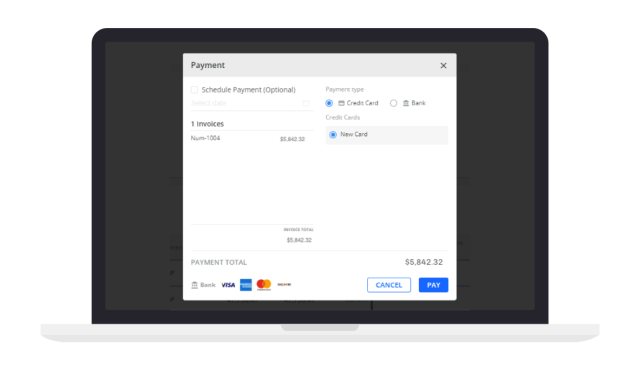
Initiate payment
Select the Flywire Pay Now button to begin the payment experience.
STEP 4
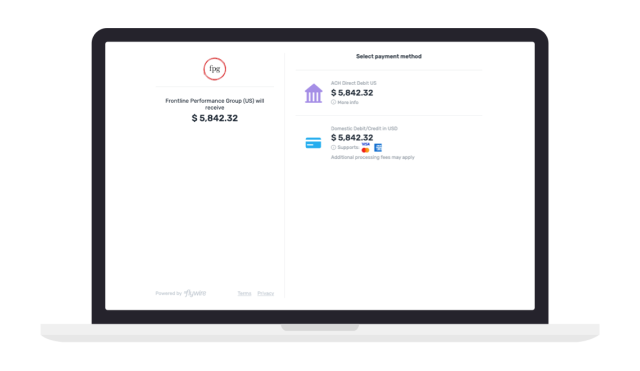
Enter details and select payment method
Provide your contact details and review the payment options provided. Select your preferred payment method. Note: payment methods will vary by your region.
STEP 5
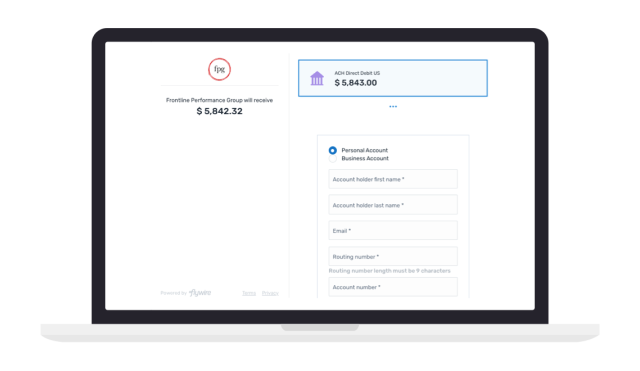
Make your payment
Follow the instructions provided to complete the payment.
STEP 6
Complete and confirm
Submit your payment and receive an email update each step of the way.